
Currently in TestFlight
US only
Keep the cases you want to learn from, organized.
Open studies you’re permitted to use, mark what you want to remember, and come back to them on iPhone, iPad, Mac or the web.
Not for diagnosis; talk to your doctor. RadShareAI is for non-diagnostic imaging purposes only.
Keep your learning cases together
Organize the cases you want to revisit with tags and collections.
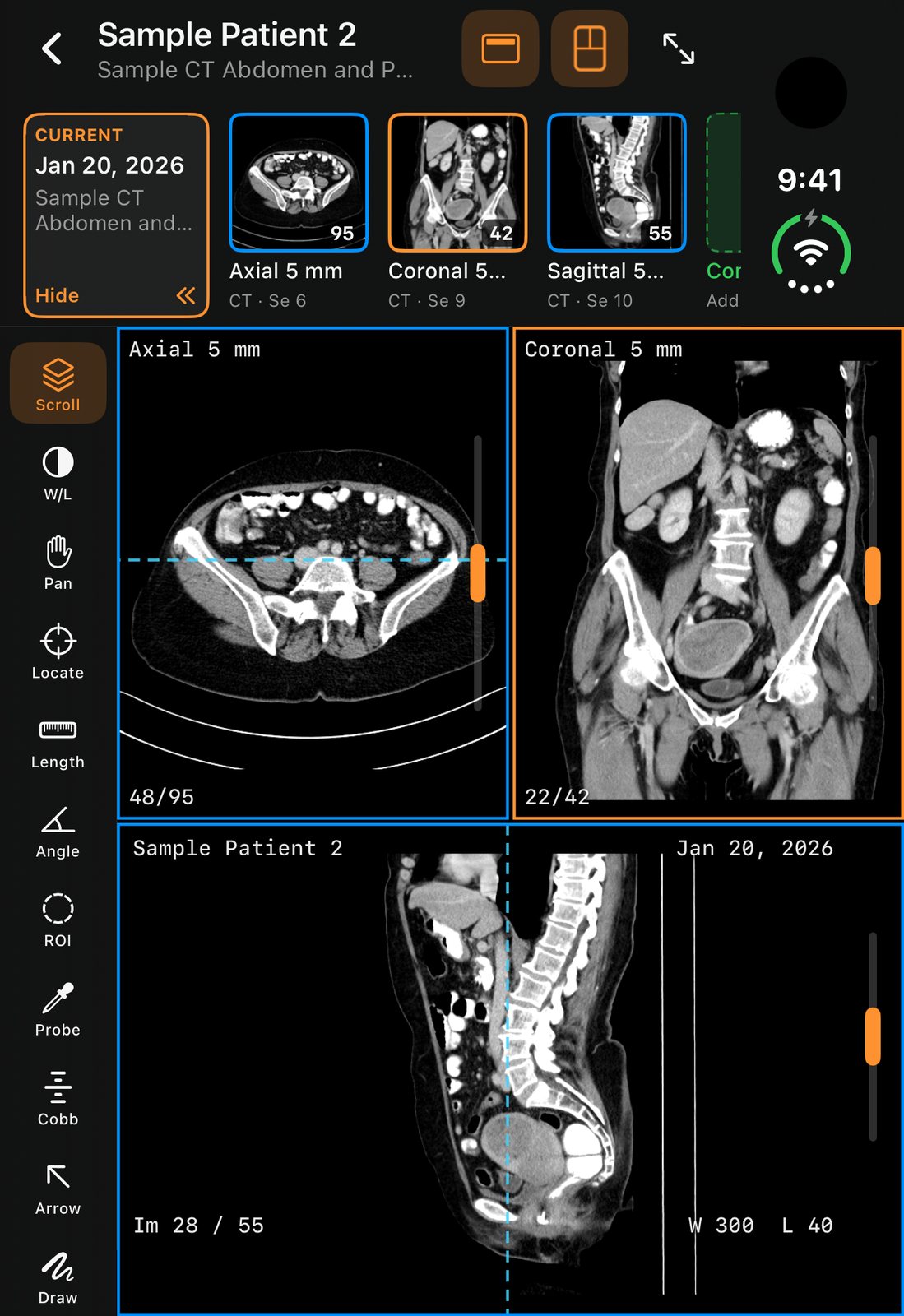
Mark what you want to remember
Add annotations as study notes. They are for learning and discussion, not findings.
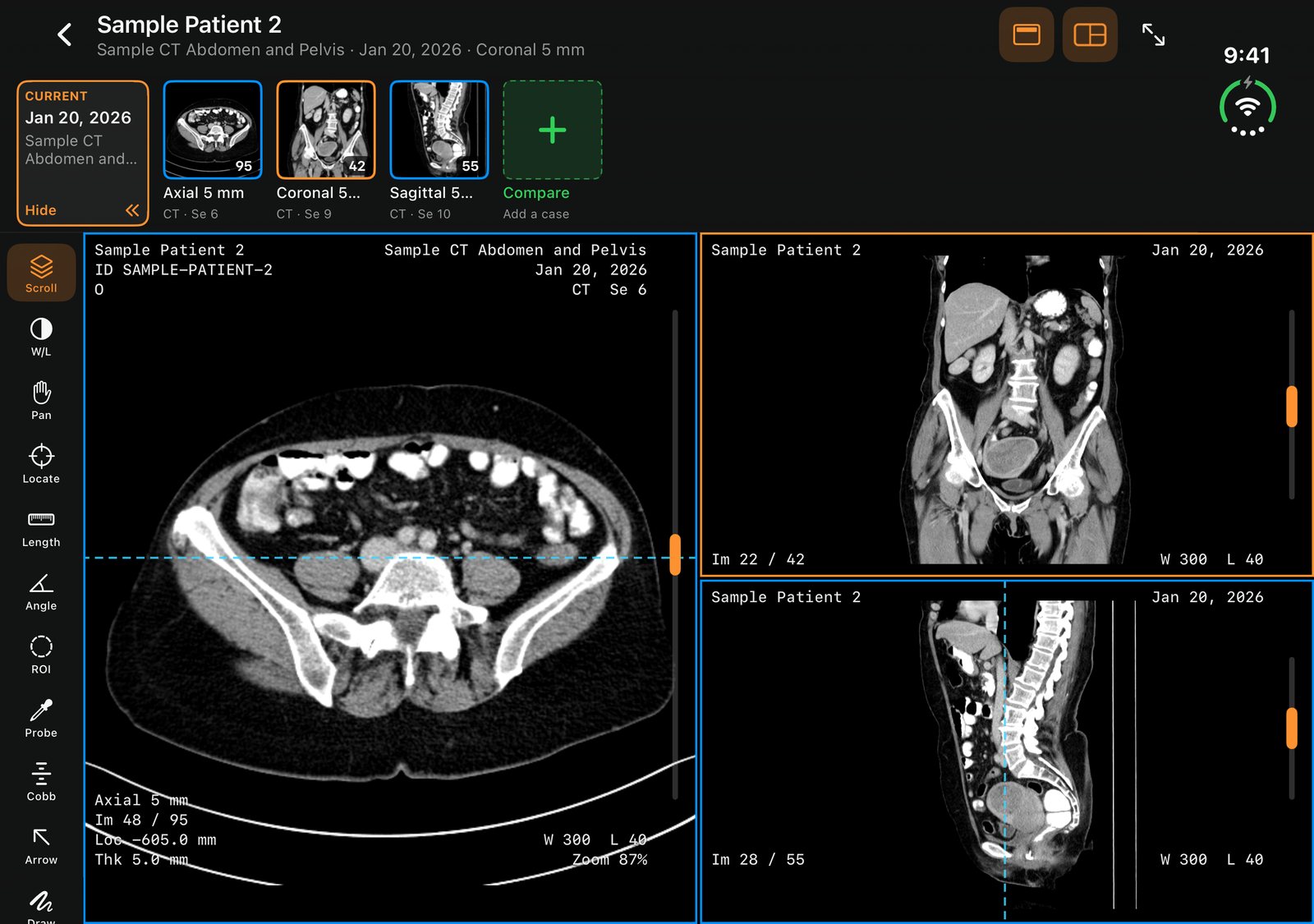
Compare side by side
Put two series next to each other to look at the same structure in different views. Not a diagnostic display.
Follow your institution’s rules
Use only studies you’re permitted to use, with identifiers stripped (best effort), and follow your institution’s rules. Best effort is not a promise of complete removal.
FAQ
Is RadShareAI for diagnosis?
No. RadShareAI is for non-diagnostic imaging purposes only. Not for diagnosis; talk to your doctor.
What happens to names and identifiers?
Cases with patient info can stay on your device. When you share or back up a case, RadShareAI strips identifiers (best effort). Best effort is not a promise of complete removal.
How long does a shared link last?
You choose: a shared link expires in 1, 7 or 30 days.
Do I need an iPhone Duo?
No. RadShareAI works on any iPhone, iPad, Mac or in your browser. It is also especially good on iPhone Duo’s dual-pane layout.
Does it work on the web?
RadShareAI has a web app, alongside the iPhone, iPad and Mac apps. It needs an account.
Where do I get RadShareAI?
It isn’t on the App Store yet. The web app is separate and needs an account; you’ll create one to start.
Currently in TestFlight
US only
Keep the cases you want to learn from, organized.
Open the web app today. RadShareAI isn’t on the App Store yet.