
Currently in TestFlight
US only
Imaging review, in your pocket.
View and share imaging with the people involved in a review, on iPhone, iPad, Mac or the web. General information, not legal or medical advice.
Not for diagnosis; talk to your doctor. RadShareAI is for non-diagnostic imaging purposes only.
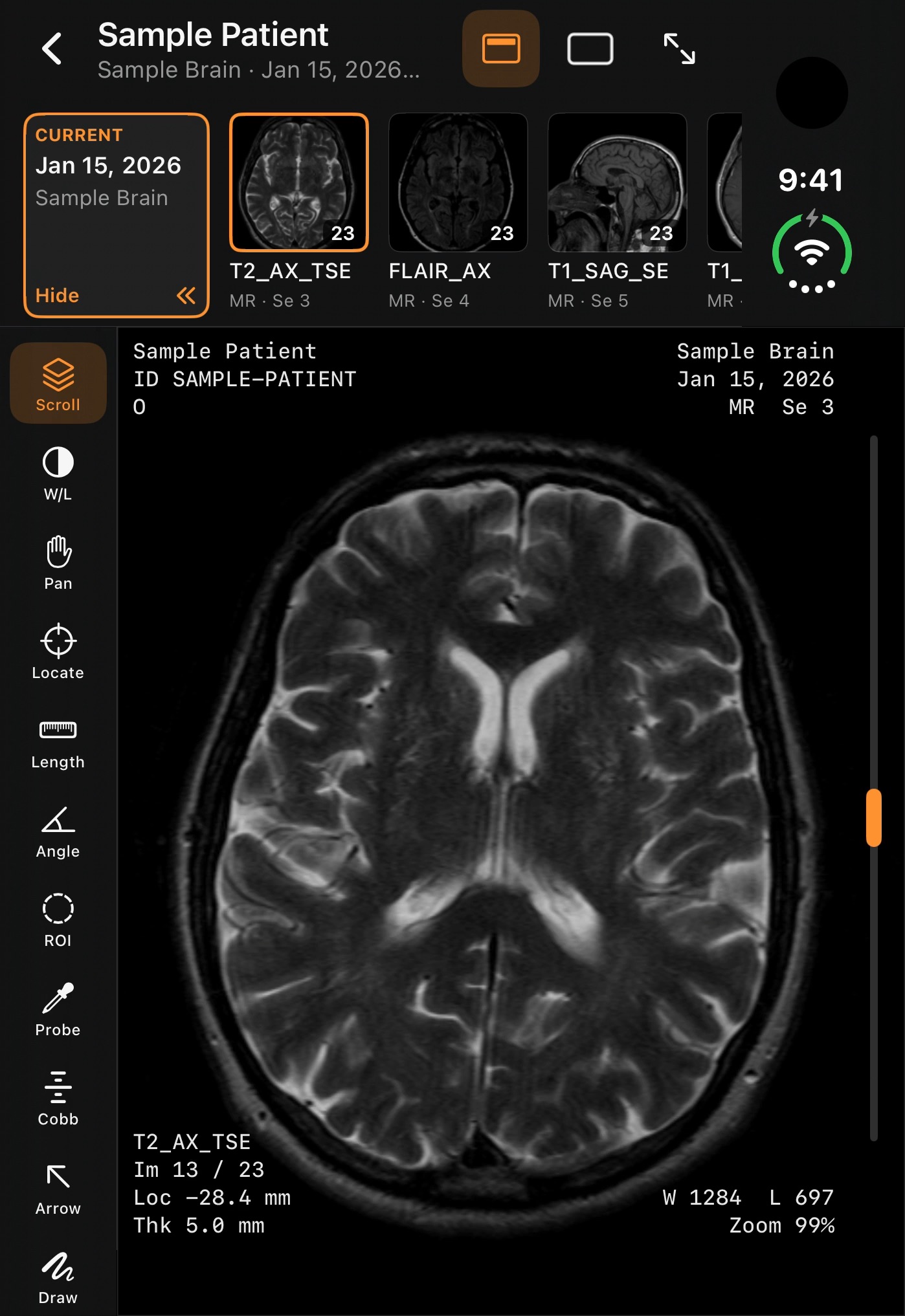
View a study on your phone
Open a study and look through the images.
Mark an area to discuss
Point to the area a question is about, so the reviewer knows where to look. Marks are not findings.
What RadShareAI doesn’t do
It doesn’t provide opinions and makes no claims about how images are handled as evidence.
FAQ
Is RadShareAI for diagnosis?
No. RadShareAI is for non-diagnostic imaging purposes only. Not for diagnosis; talk to your doctor.
How long does a shared link last?
You choose: a shared link expires in 1, 7 or 30 days.
What happens to names and identifiers?
Cases with patient info can stay on your device. When you share or back up a case, RadShareAI strips identifiers (best effort). Best effort is not a promise of complete removal.
Do I need an iPhone Duo?
No. RadShareAI works on any iPhone, iPad, Mac or in your browser. It is also especially good on iPhone Duo’s dual-pane layout.
Does it work on the web?
RadShareAI has a web app, alongside the iPhone, iPad and Mac apps. It needs an account.
Where do I get RadShareAI?
It isn’t on the App Store yet. The web app is separate and needs an account; you’ll create one to start.

Currently in TestFlight
US only
Imaging review, in your pocket.
RadShareAI isn’t on the App Store yet.